
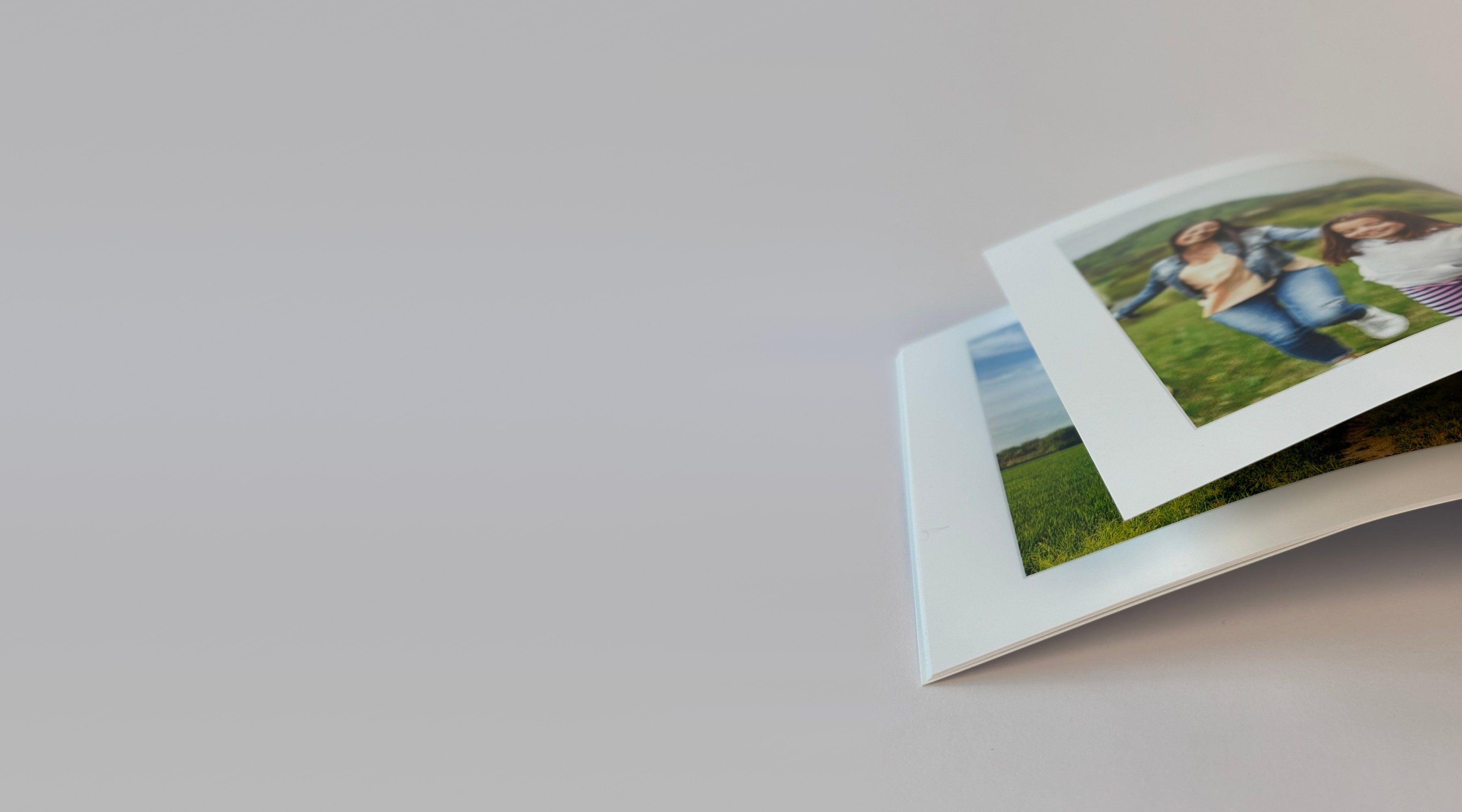
Israel’s favorite digital photo albums for 20 years
Turn photos from every trip or celebration into something special: design a digital album on your phone or computer
Create a photo albumWhat makes our digital photo albums so special?

Lupa on every screen
Start on your phone, carry on on the big screen. Lupa is the only one that connects your phone and computer: one experience, two screens.

Smart auto-design
A smart AI picks the important parts of every photo and lays them out in perfect order and proportion.

Intro and outro pages
Add text pages at the start and end of the book, and a QR code that links straight to videos, music, folders and more.
Design a digital album yourself
Every Lupa product, made on your phone
A photo album you make on the website
Lupa desktop software


So many reasons to design a digital album
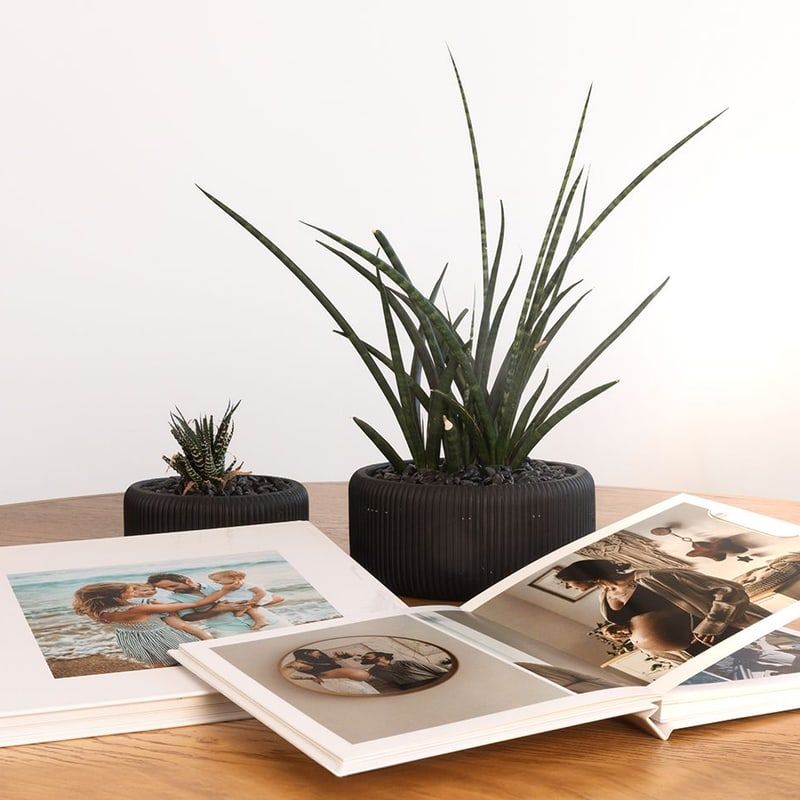
A Dutch book that opens flat
Thick pages that open a full 180°, so one photo spreads across two pages.
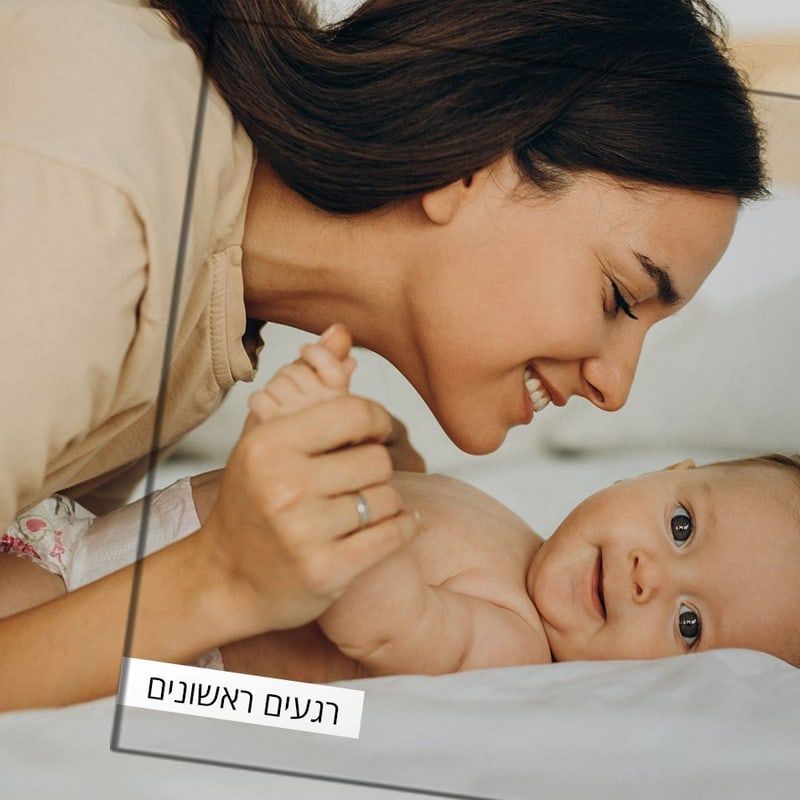
Text and QR codes on any page
Page titles, captions on photos, and intro and outro pages with a QR code to videos and music.
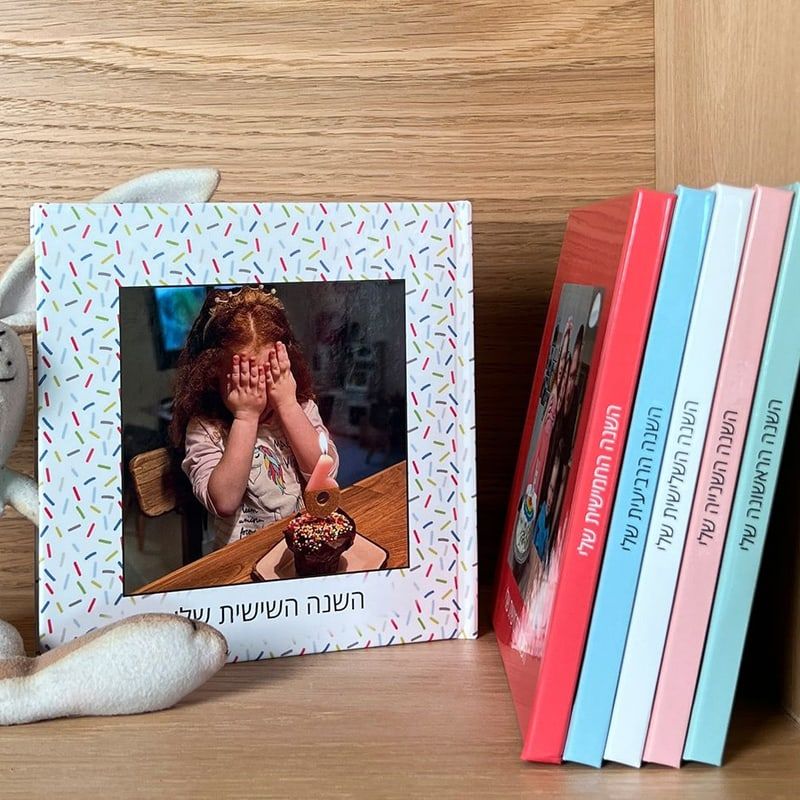
5 formats, up to 144 pages
From large square to Mini Lupa, hard or soft cover, 24 to 144 pages.
Digital album price list
| 24 Pages | 40 Pages | 60 Pages | 80 Pages | 100 Pages | 144 Pages | |
|---|---|---|---|---|---|---|
| Small square 20×20 cmRegular, Softcover | ₪147 | ₪177 | ₪216 | ₪244 | ₪269 | ₪320 |
| Small square 20×20 cmRegular, Hardcover | ₪183 | ₪216 | ₪254 | ₪284 | ₪309 | ₪358 |
| Small square 20×20 cmLayflat , Hardcover | ₪255 | ₪308 | ₪366 | ₪402 | ₪449 | Not made in this combination |
| Large square 30×30 cmRegular, Hardcover | ₪262 | ₪306 | ₪350 | ₪389 | ₪427 | ₪499 |
| Large square 30×30 cmLayflat , Hardcover | ₪354 | ₪420 | ₪489 | ₪561 | ₪637 | Not made in this combination |
| Classic Plus 22.5×29 cmRegular, Hardcover | ₪207 | ₪250 | ₪294 | ₪329 | ₪362 | ₪413 |
| Classic Plus 22.5×29 cmLayflat , Hardcover | ₪265 | ₪317 | ₪376 | ₪427 | ₪514 | Not made in this combination |
| Large panoramic 30×22 cmRegular, Hardcover | ₪194 | ₪228 | ₪266 | ₪299 | ₪327 | ₪382 |
| Large panoramic 30×22 cmLayflat , Hardcover | ₪264 | ₪320 | ₪387 | ₪454 | ₪514 | Not made in this combination |
| Mini Lupa 15×15 cmRegular, Softcover | ₪69 | ₪85 | ₪105 | ₪125 | ₪145 | ₪189 |
| Mini Lupa 15×15 cmRegular, Hardcover | ₪79 | ₪95 | ₪115 | ₪135 | ₪155 | ₪199 |
Questions and answers about digital albums
Which book formats and covers does Lupa offer?
You can design books in a range of formats: large square, small square, Classic Plus, large panoramic and Mini Lupa. You can also choose a hardcover, a softcover or a Dutch book that lays flat, with thick pages.
What is a Dutch book?
The Dutch book is a premium album with thick pages that open a full 180 degrees, so your photos spread across both pages, whole and impressive. If some photos deserve to star big, this is the book for them.
Where can I find the books I designed?
Your books are on the main screen of the phone app and in the online editor on the Lupa website. As long as you sign in to the account you designed them with, they show up in both the app and the website.
What is lupart?
A lupart book combines the worldwide coffee table book trend with Lupa’s personal, moving books. It is a series of books with ready-designed covers inspired by coffee table books, the kind that fit your home’s style, but with your own memories inside instead of general content. lupart is available in the phone app and in the online editor on the Lupa website, and it changes the cover design only.
Can I add text to the book?
While designing in the phone app or in the online editor on the Lupa website, you can add page titles (up to 45 characters), short captions on photos (up to 21 characters), and intro or outro pages with your own text and even a QR code.
How do I change the cover design or the book’s title?
You can design the cover at any time while editing. In the phone app, tap “Design the cover” under the cover; in the online editor on the website, open the “Cover” tab. You can change the cover photo, pick a new cover color or change the photo layout. To rename the book, use the pencil next to its title. Note that the back cover and the spine can’t be edited, and the spine is printed with the title you chose.
How do I add, remove or reorder pages?
To change the number or order of pages, open the “Pages” tab in the phone app or in the online editor on the Lupa website. To add pages, tap the double-page icon with the plus; to remove pages, tap the trash icon; to reorder them, just drag the pages where you want them.
Can I change the book size after I start designing?
When you design a small or large square book in the phone app or the online editor on the Lupa website, you can change the size in the cart and switch between those two formats. A small square book can also switch between hardcover and softcover. If you want a different format or cover, keep in mind that each format has its own page proportions, which need a different photo layout. So you can go back to the start of the design, choose the format or cover you want and carry on from there. The photos and text you already added are kept, so there’s no need to upload them again.
How do I add or remove photos in a finished book?
To add photos while editing, tap the photo icon with the plus. New photos go to the temporary storage, and from there you can drag them to any page. To remove a photo, use the delete option on it and it moves to the temporary storage. From the temporary storage you can put photos back on other pages, or delete them for good by selecting them and tapping the trash icon.